01
Online component
AI Training Toolkit
Seventeen guided lessons introduce neural networks, image models, language models, and the practical ideas behind training. Everything runs in a browser.
Launch the online toolkit2026 CS3 RET debut
A hybrid platform for teaching artificial intelligence through browser lessons, edge hardware, physical sensors, and agentic coding.
Online and offline learning
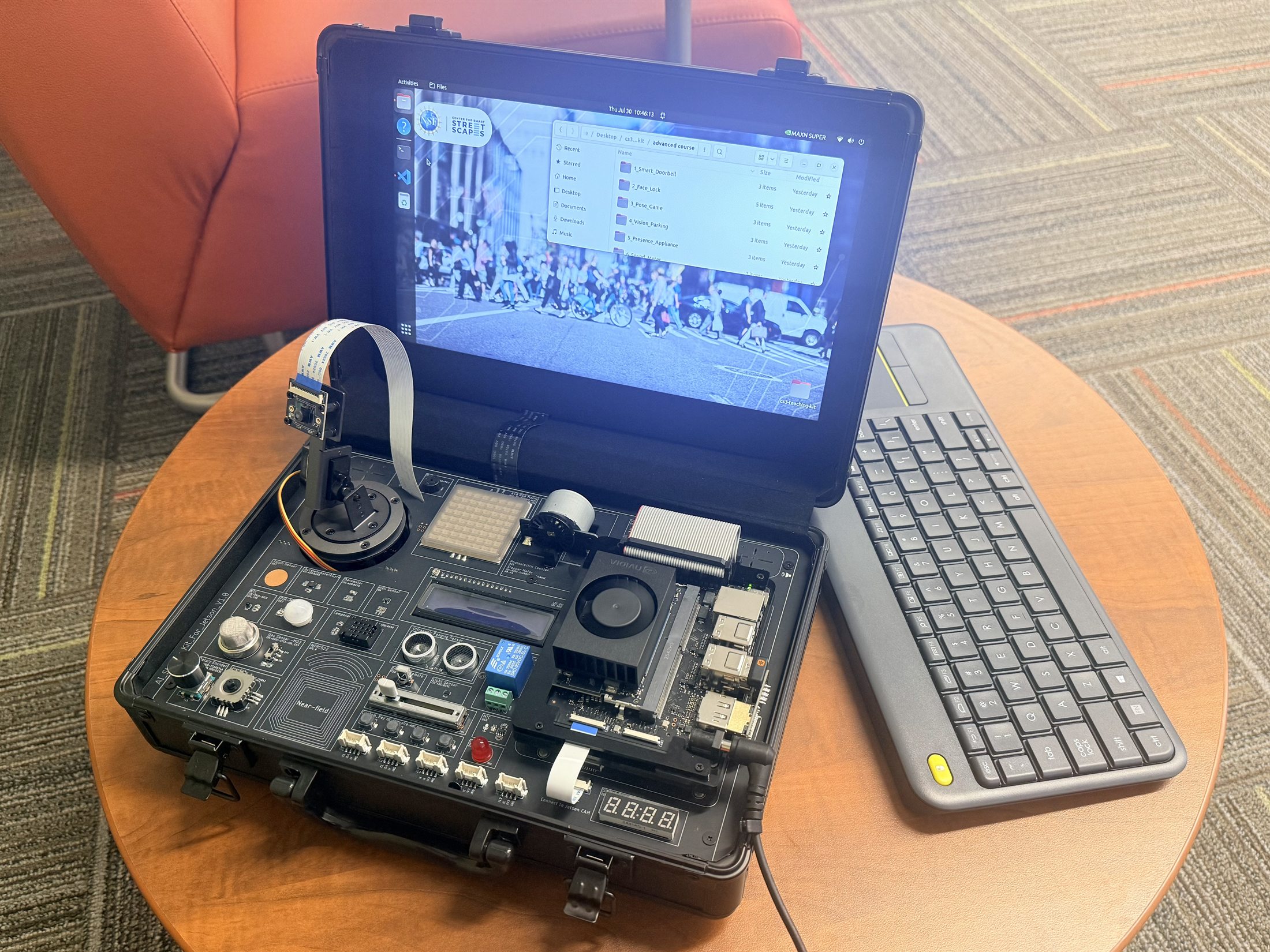
The 2026 CS3 RET program debuts the CS3 AI Teaching Kit. Built around the NVIDIA Jetson Orin Nano Super, this hybrid kit combines online and offline components, 30 sensors, more than 50 lectures, and agentic AI integration.
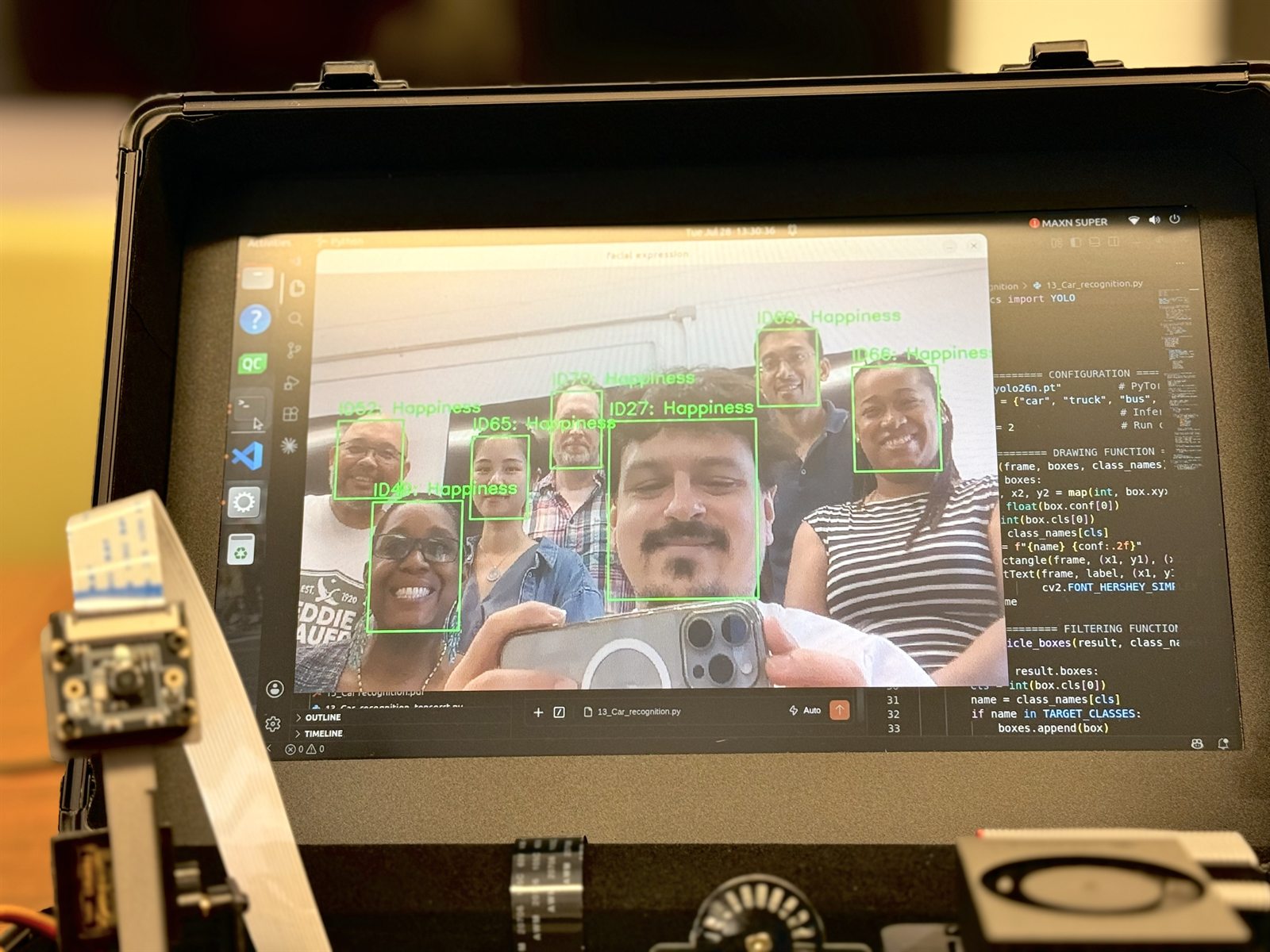
The kit features demonstrations that teach computer vision through traffic counting, segmentation, parking assistance, and related projects. Agentic coding workflows help educators inspect, adapt, and extend each activity.
The online browser application includes 17 lessons, beginning with an introduction to neural networks and ending with large language models and how they are trained.
Two complementary components
01
Online component
Seventeen guided lessons introduce neural networks, image models, language models, and the practical ideas behind training. Everything runs in a browser.
Launch the online toolkit02
Offline component
Thirty-eight hardware lessons and ten advanced programs connect cameras, sensors, edge inference, and agentic coding on the Jetson Orin Nano Super.
Built with educators
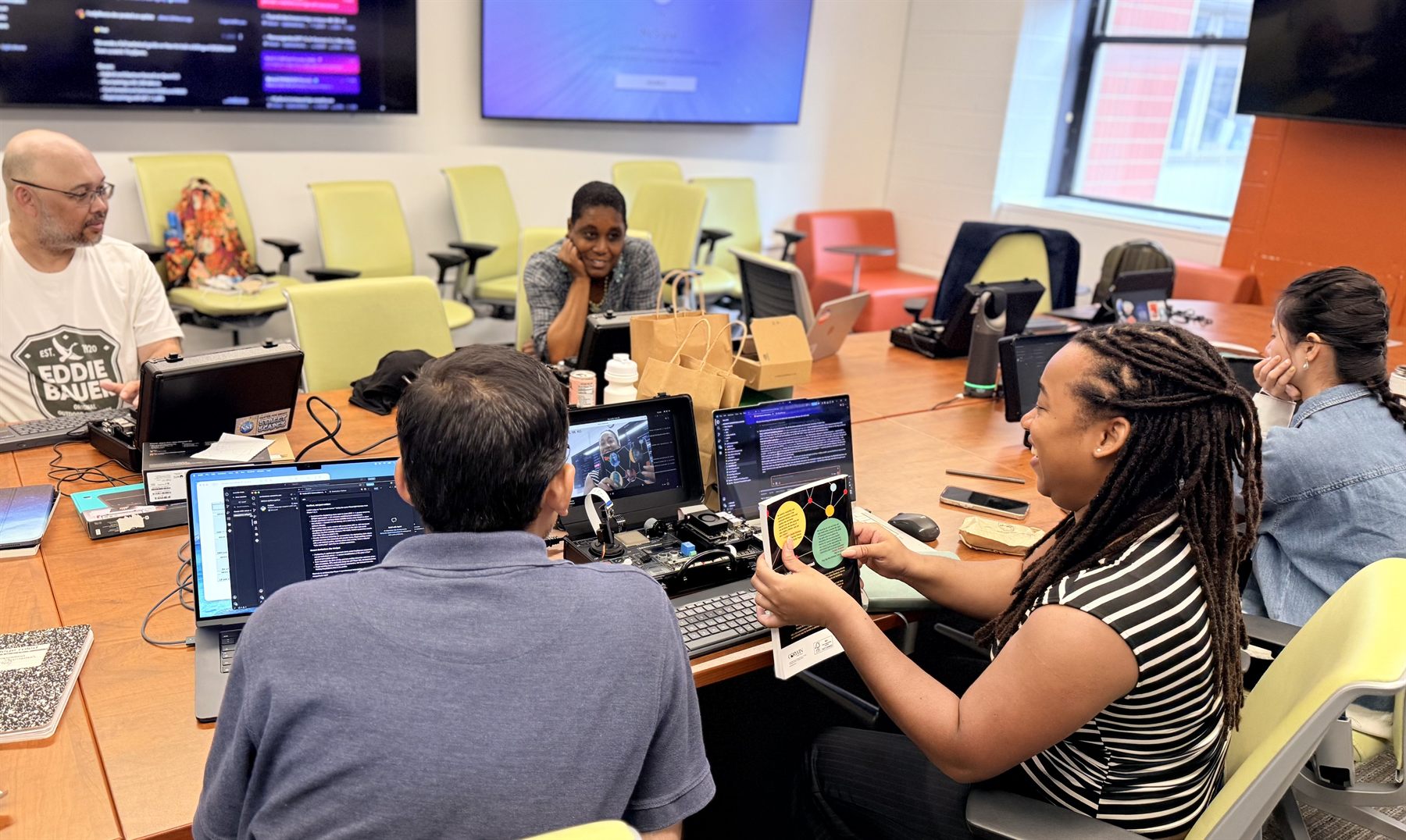
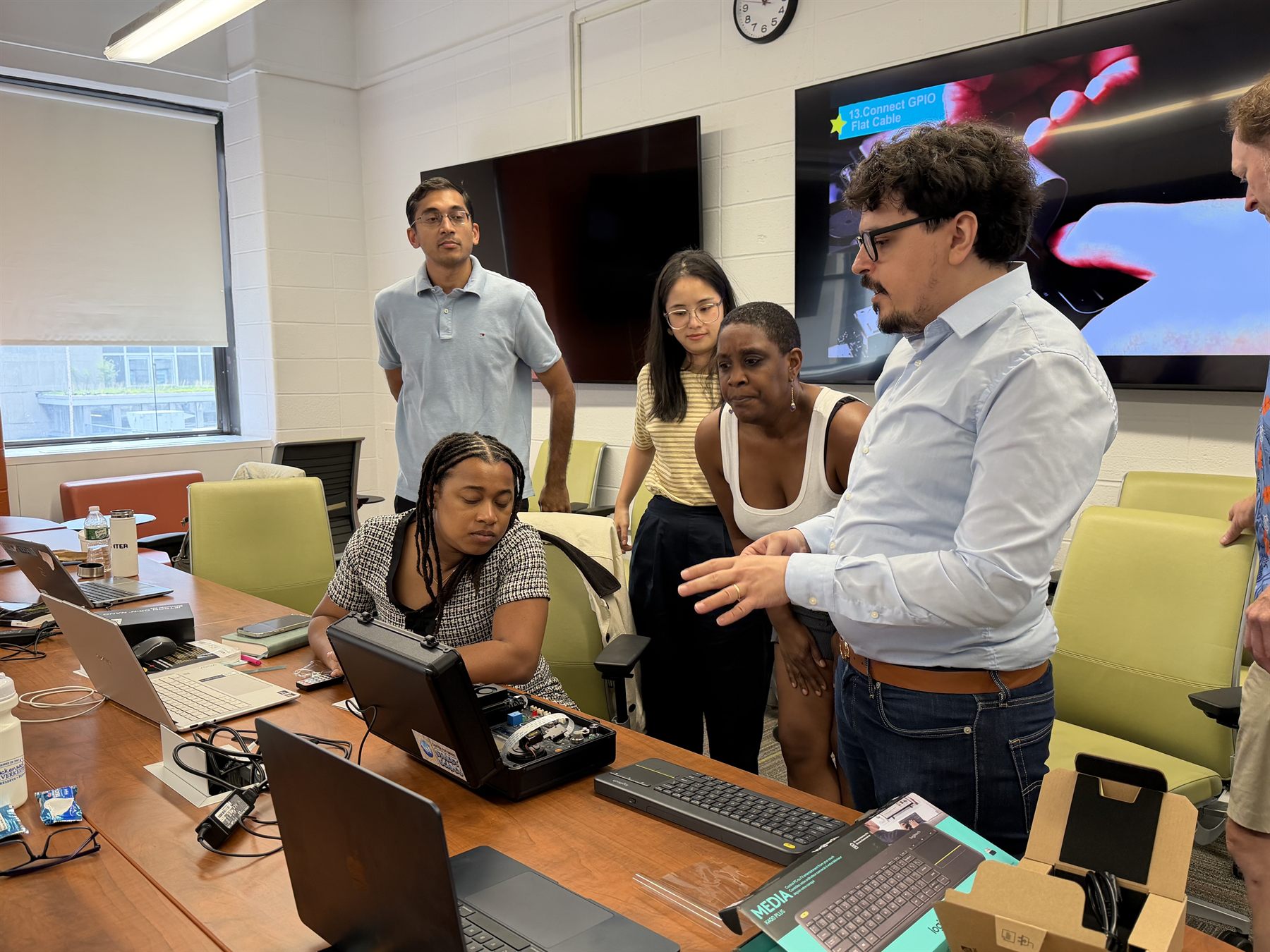
Teachers work directly with the hardware, test computer vision applications, and use coding agents to understand and reshape each project.
What educators can explore
Traffic counting, detection, segmentation, face tracking, parking assistance, depth, and pose projects.
Thirty sensors connect AI concepts to motion, distance, light, sound, temperature, displays, and controls.
Guided workflows help teachers read unfamiliar code, test changes, diagnose errors, and create extensions.
Self-contained HTML decks, PDFs, notes, programs, models, and media support teaching without a network.
Ubuntu setup
Run these commands on the Jetson or another Ubuntu computer. The final command downloads the current dataset to the Desktop and overwrites packaged files with the newest versions.
Local files that are not part of the published kit are left in place. Close any open lesson programs before updating.
Open the complete installation READMEsudo apt update
sudo apt install -y python3-venv
python3 -m venv "$HOME/.venvs/huggingface"
"$HOME/.venvs/huggingface/bin/pip" install \
--upgrade huggingface_hub
"$HOME/.venvs/huggingface/bin/hf" download \
mehmetkeremturkcan/cs3-ai-teaching-kit \
--repo-type dataset \
--local-dir "$HOME/Desktop/cs3-teaching-kit" \
--force-downloadUse the browser toolkit immediately, or download the full offline package for Jetson-based projects.